
Noctua NF-A12x15 PWM
4.9Editor score
Premium quiet slim design
Advanced acoustic optimization
High static pressure performance
This guide compares the top low profile case fans for compact builds, focusing on airflow, noise levels, and slim designs for SFF and HTPC systems.
When building a compact PC, finding the right cooling solution is critical. Low profile case fans offer the perfect balance of performance and size, ensuring your system stays cool without sacrificing space in tight enclosures.
We evaluated ten top-rated models based on airflow efficiency, noise output, and build quality. Each fan was analyzed for its ability to handle static pressure and integrate seamlessly into small form factor builds or low-profile CPU coolers.
Every selection highlights unique strengths, from premium quiet operation to budget-friendly airflow. Prices and availability may change, so always check the latest listings before making your final decision for your next build.
4.9Editor score

4.6Editor score
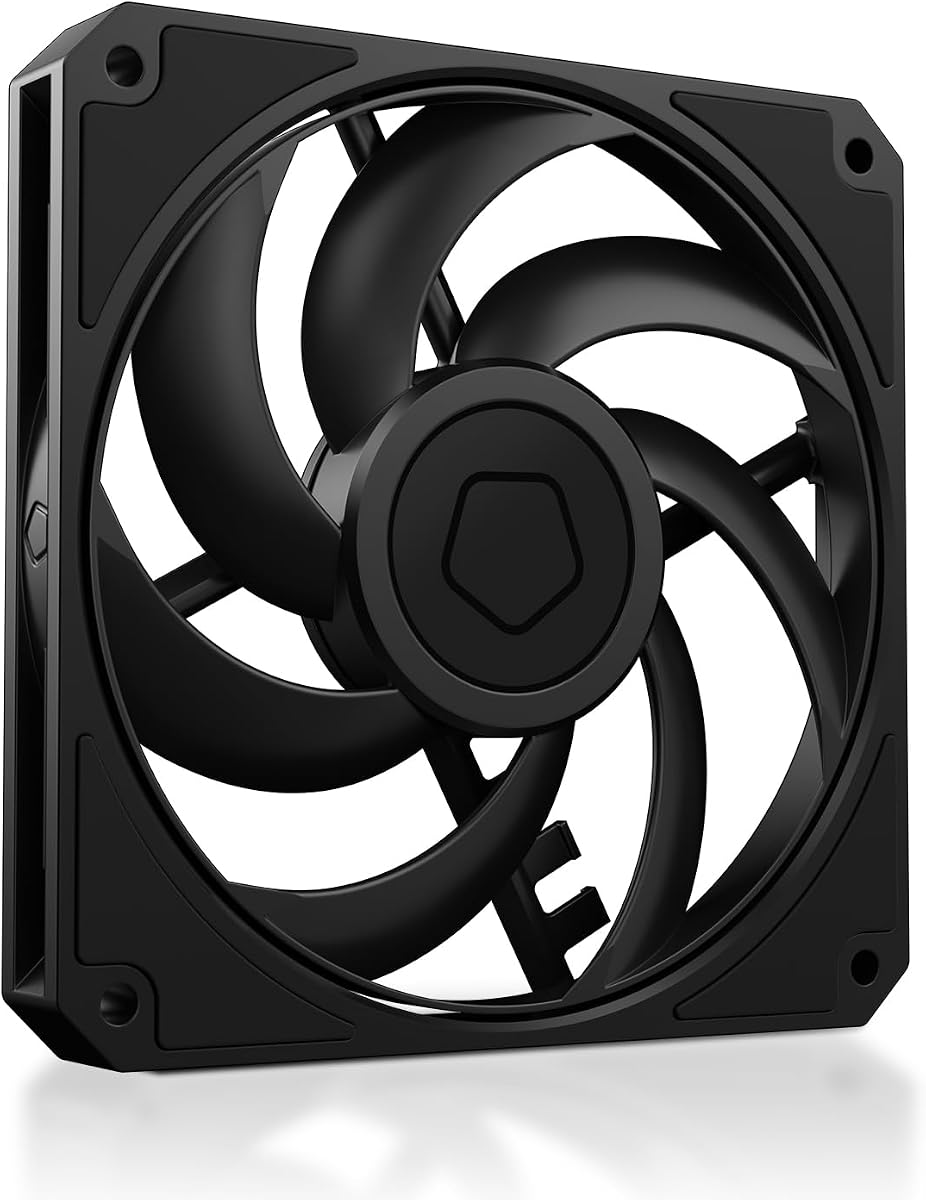
4.8Editor score
The following table provides a side-by-side comparison of all ten selected fans, highlighting key specifications like dimensions, speed range, and noise levels to help you choose the right fit.



The ARCTIC P12 Slim PWM PST stands out as the Editor's Choice for its remarkable balance of performance and cost. With a rating of 4.6 stars, it delivers efficient cooling for its compact 15mm thickness.
We may earn a commission when you buy through this link, at no additional cost to you.
Its high static pressure design ensures it pushes air effectively through radiators and dense heat sinks. The 34.51 CFM airflow is impressive for a slim unit, and the PWM control allows for silent operation when load is low.
The main trade-off is that it lacks the absolute premium build quality of top-tier models. However, for most users, the difference in noise and performance is negligible given the significant savings.
Anyone building a budget-friendly ITX or SFF system should consider this fan. It provides reliable cooling without breaking the bank, making it a top recommendation for practical builders.
Buying a pack of three ensures you can outfit your entire case efficiently without buying individual fans later.
Optimized for radiators, it ensures airflow isn't lost even when passing through restrictive components.
We may earn a commission when you buy through this link, at no additional cost to you.
The ARCTIC P14 Slim PWM PST is the ideal choice when you need more airflow but still have space constraints. With a 140mm diameter, it moves significantly more air than 120mm models.
We may earn a commission when you buy through this link, at no additional cost to you.
Despite being only 16mm thick, it maintains excellent cooling performance. The motor is designed for quiet operation, and the pressure optimization helps it function well even when pushing air through a radiator.
The slightly larger thickness compared to 15mm models might not fit the tightest SFF cases. However, for cases that support 140mm slim fans, it offers a great upgrade in cooling capacity.
This fan is perfect for users who want to maximize airflow in a compact build without switching to thicker, louder alternatives. It is a practical solution for mid-range builds.
The larger 140mm diameter allows for greater volume movement, reducing the need for high RPM speeds.
At just 16mm, it saves space while still providing the benefits of a wider fan blade.
We may earn a commission when you buy through this link, at no additional cost to you.
The Noctua NF-A12x15 PWM is the top-rated fan in this guide, earning a near-perfect 4.9 rating. It is the gold standard for quiet performance and reliability in slim profiles.
We may earn a commission when you buy through this link, at no additional cost to you.
Its Flow Acceleration Channels and Advanced Acoustic Optimisation frame reduce noise significantly. This makes it ideal for users who prioritize silence over raw speed in their home or office builds.
While the price is higher, the longevity and performance justify the investment. It is built to last over 150,000 hours and comes with accessories like Y-cables for complex setups.
For audiophiles and enthusiasts who want the quietest possible system, this is the definitive choice. It delivers premium quality that justifies its reputation in the PC community.
Advanced frame design ensures smooth airflow with minimal turbulence and noise generation.
Premium bearings ensure long-term stability and consistent performance over years of use.
We may earn a commission when you buy through this link, at no additional cost to you.
The chromax.Black.swap version of the Noctua NF-A12x15 offers the same premium performance as the standard brown model but with an all-black look. It retains the 4.8 rating for exceptional quality.
We may earn a commission when you buy through this link, at no additional cost to you.
It comes with self-adhesive pads in multiple colors, allowing you to customize the fan to match your case. This is great for builders who want to avoid brown accents on black PCs.
The performance remains identical to the standard version, with low noise and high efficiency. It is a perfect choice for those who care about aesthetics as much as cooling.
If you are building a dark-themed PC and want top-tier cooling, this is the fan to buy. It blends style with function without compromising on performance.
Multiple color options let you match the fan to your specific rig's theme easily.
Sleek black frame looks great in modern builds without clashing with black components.
We may earn a commission when you buy through this link, at no additional cost to you.
The be quiet! Pure Wings 3 is known for its German engineering focus on noise reduction. With a 4.7 rating, it is a reliable choice for general case cooling where standard thickness is acceptable.
We may earn a commission when you buy through this link, at no additional cost to you.
Its optimized frame and seven fan blades work together to reduce noise while maintaining high airflow. It is designed for silent operation, making it a favorite for home office PCs.
However, it is a standard 25mm fan, not a slim one. This means it should only be considered if space constraints allow for the extra depth compared to 15mm models.
For those seeking a quiet, reliable brand without paying premium prices, this fan delivers well. It is a solid workhorse for everyday cooling tasks.
Engineered specifically to minimize acoustic output, keeping your PC quiet even under load.
Long life rifle bearing ensures it runs smoothly for years without degradation.
We may earn a commission when you buy through this link, at no additional cost to you.
The ID-COOLING AM-120-SLIM takes the Best Budget title by offering incredible specs at a very low price. With a 4.8 rating, it proves you don't need to spend a lot for good cooling.
We may earn a commission when you buy through this link, at no additional cost to you.
It moves an impressive 59.6 CFM of air, which is higher than many more expensive options. This makes it a strong contender for anyone needing to push air through tight radiators.
The noise level stays low due to the hydraulic bearing, but it can get louder at maximum RPM. For the price, the performance is hard to beat in the slim category.
This is the perfect pick for budget builders who need maximum performance per dollar. It is an excellent value choice for compact gaming or ITX systems.
Moves more air than most competitors in the slim category without high cost.
Hydraulic bearing ensures smooth, quiet operation during low load periods.
We may earn a commission when you buy through this link, at no additional cost to you.
The Thermalright TL-C12015 offers a balanced performance profile. With a 4.7 rating, it provides a good mix of airflow and quietness at a reasonable price point.
We may earn a commission when you buy through this link, at no additional cost to you.
The S-FDB bearing reduces friction and vibration, ensuring long life and low noise. Its design focuses on maintaining silence while providing enough cooling for most small cases.
It does not reach the high RPM of other models, which limits maximum speed. However, for typical use cases, this balance is often preferred to avoid noise.
This fan is a great middle-ground option. It is suitable for those who want reliable cooling without extreme speed or high cost.
Anti-vibration pads reduce friction, keeping the fan quiet and stable.
Self-lubricating bearing reduces wear and extends service life significantly.
We may earn a commission when you buy through this link, at no additional cost to you.
The Noctua NF-A9x14 is designed for the smallest builds. With a 4.8 rating, it shows that even in 92mm, you can get premium performance from Noctua.
We may earn a commission when you buy through this link, at no additional cost to you.
It is thin at 14mm, perfect for low-profile CPU coolers. Despite its size, it pushes air efficiently and maintains the quiet standards expected from the brand.
The smaller size means it cannot cool as much as 120mm fans. It is best suited for ITX builds or systems where space is extremely tight.
This is the best option for very small coolers where every millimeter counts. It ensures your CPU stays cool without adding bulk to your build.
Only 14mm thick, allowing it to fit on coolers that standard 92mm fans cannot.
Reaches 2500 RPM to maximize cooling in restricted airflow areas.
We may earn a commission when you buy through this link, at no additional cost to you.
The Noctua NF-A12x15 FLX offers unique speed flexibility via Low-Noise Adaptors. With a 4.8 rating, it provides premium quality for those who prefer manual speed control.
We may earn a commission when you buy through this link, at no additional cost to you.
It allows you to choose between three speeds using adapters. This is great for users who want to tune their fan without software control.
Lacking PWM, it requires a 3-pin header. However, the included Y-cable and adaptors make it versatile for many setups.
This is a perfect choice for enthusiasts who like to manually adjust their system. It brings the same build quality as the PWM version in a more flexible format.
Three-speed adaptors let you choose the exact balance of noise and airflow.
Includes Y-cable and adaptors to run on power supply or headers.
We may earn a commission when you buy through this link, at no additional cost to you.
The Noctua NF-A12x15 PWM standard model is the classic choice for premium cooling. With a 4.8 rating, it is the reliable workhorse for any quiet build.
We may earn a commission when you buy through this link, at no additional cost to you.
It features automatic PWM control for seamless speed adjustment. The included Y-cable allows you to run two fans on one header, simplifying cable management.
While it costs more than budget options, its silence and reliability are unmatched. It is the top choice for those who want peace of mind.
For a high-end build where noise is critical, this fan is the safest choice. It ensures consistent, quiet performance for the life of your system.
Allows two fans to be run on a single header for better management.
4-pin PWM ensures the fan speeds up only when your system needs cooling.
We may earn a commission when you buy through this link, at no additional cost to you.
Selecting the right low profile case fan requires understanding several key factors that affect performance and fitment.
Always measure your case and cooler clearance. Standard 120mm fans are 25mm thick, while slim models are 15mm or less.
Choosing the wrong thickness can block your GPU or RAM. Always check the manual before purchasing.
Airflow (CFM) measures how much air moves freely. Static pressure is how well it pushes through resistance like radiators.
Use high static pressure fans for radiators and high airflow fans for open case mounts.
Look for fans with a low Sone or dB(A) rating. Lower RPM fans are quieter but move less air.
PWM fans allow for speed control, keeping them quiet when your system is idle.
Sleeve bearings are cheaper but wear out faster. Fluid dynamic or rifle bearings last longer.
For long-term reliability, choose fans with higher MTTF ratings and quality bearings.
4-pin PWM connectors offer the most control. 3-pin connectors are older and lack speed control.
Ensure your motherboard has the right header for the fan you choose to avoid issues.
Premium brands use better plastics and rubber mounts. These reduce vibration and noise.
Look for included anti-vibration pads and sturdy frames in your selection.
Buying packs of fans is cheaper than buying individually. Check if they fit your case slots.
Consider value packs if you need multiple fans for a full system refresh.
Color matters. Brown fans like Noctua stand out. Black fans like chromax blends in.
Choose colors that match your build theme to avoid visual clashes in the case.
Install fans so they pull fresh air from the front and push hot air out the back. This creates a clear airflow path.
Check for dust buildup every six months. Clean blades gently with compressed air to maintain performance.
If your system gets loud over time, check the bearing or reseat the fan screws to reduce vibration.
They are generally similar in performance per size. However, 15mm models push less air due to shorter blades. They are excellent for tight spots where 25mm won't fit.
Noctua and be quiet! are the top choices for silence. They use specialized bearings and frames to minimize noise during operation.
Most do, but some use 3-pin connectors. Check the product specs to ensure you get PWM if you want speed control.
At least one intake and one exhaust are required. Adding more fans improves cooling but increases noise.
Yes, but you need high static pressure. Fans like the Arctic P12 or ID-COOLING model work well here.
Mean Time To Failure. Higher numbers mean longer life. Look for 150,000 hours or more for durability.
We recommend the Noctua NF-A12x15 PWM for top performance, the ID-COOLING AM-120-SLIM for budget buyers, and the ARCTIC P12 Slim for value packs.
Prioritize static pressure if you use radiators and silence if you are a home user. Ensure dimensions fit your case before buying.
Prices change often, so check current listings on Amazon for the most up-to-date offers before purchasing.