
Corsair AX850
4.7Editor score
80 Plus Titanium Certified
Zero RPM Fan Mode
Fully Modular Design
This guide compares the top 80 Plus Titanium Power Supply units for high performance and efficiency in 2026.
Choosing a reliable power supply is critical for any high-performance PC build. The 80 Plus Titanium rating ensures exceptional efficiency and minimal heat. This guide helps you find the right unit.
We evaluated ten top-rated Titanium power supplies based on efficiency, features, and reliability. Each model meets strict standards for modern hardware. Our list covers various wattages for different needs.
Each pick highlights key strengths and ideal use cases for builders. Prices and availability can change quickly. Always check the latest details before purchasing your next power supply today.
4.7Editor score

5.0Editor score

4.7Editor score
Explore the detailed comparison of the top ten power supplies. Each unit offers unique features for high-end builds.



The FSP Hydro Ti Pro 1000W delivers exceptional efficiency and modern standards. It holds dual Titanium certifications for peak performance.
We may earn a commission when you buy through this link, at no additional cost to you.
It supports ATX 3.1 and PCIe 5.1 with robust power excursion handling. The 135mm fan operates silently until needed.
Its compact 150mm design fits better in tight cases than rivals. The conformal coating adds durability against humidity.
This unit suits high-end gamers needing future-proof power. The warranty ensures long-term peace of mind.
This PSU achieves both 80 PLUS and Cybenetics Titanium. This means minimal heat and maximum energy savings.
At 150mm long, it saves space inside your PC case. This helps with airflow and cable management significantly.
We may earn a commission when you buy through this link, at no additional cost to you.
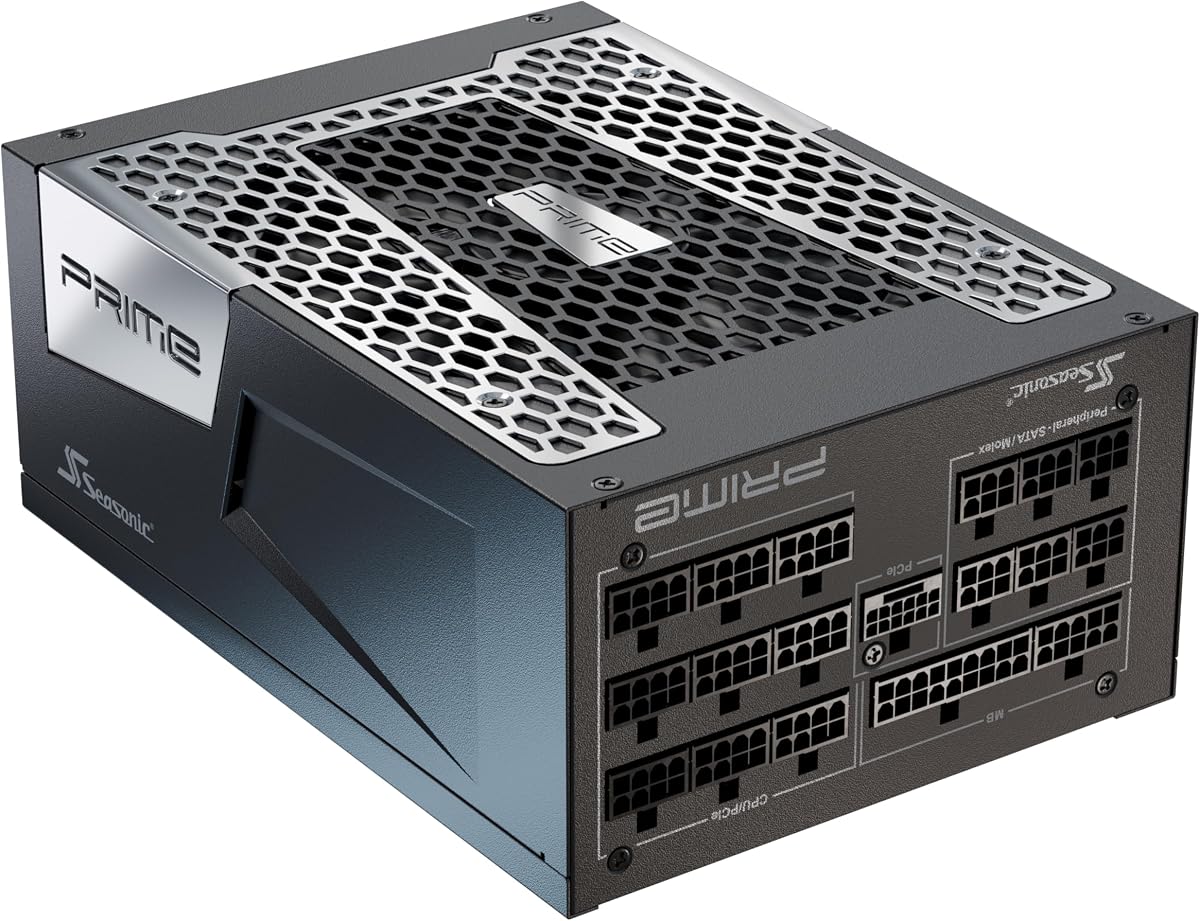
The Seasonic Prime TX-1600 Noctua Edition is the quietest option available. It uses a specialized Noctua fan for silence.
We may earn a commission when you buy through this link, at no additional cost to you.
With 1600W output, it handles extreme workstations with ease. Voltage regulation is exceptionally tight for stability.
The semi-passive fan mode ensures silence during light tasks. It ramps up silently only under heavy loads.
Choose this for a silent workstation needing massive power. It is the ultimate choice for noise-sensitive users.
The custom Noctua fan reduces noise by 8 to 10 dB. It offers a truly silent computing experience.
At 1600W, this unit supports multiple high-end GPUs. It is ideal for extreme server builds.
We may earn a commission when you buy through this link, at no additional cost to you.
The MSI MPG Ai1300TS offers perfect ratings and robust safety features. It includes dual 12V-2×6 connectors for modern GPUs.
We may earn a commission when you buy through this link, at no additional cost to you.
SiC MOSFETs provide server-grade efficiency and cooler operation. The 12-year warranty shows extreme confidence in durability.
GPU Safeguard provides real-time current protection against faults. This feature allows early detection of abnormal status.
This unit is perfect for serious gamers seeking safety. Its features offer excellent value for the price.
Server-grade SiC materials enhance efficiency and reduce heat. This keeps internal temperatures low during stress.
GPU Safeguard+ alerts users to current issues early. It helps resolve hardware conflicts before damage occurs.
We may earn a commission when you buy through this link, at no additional cost to you.
The ASUS ROG Thor features a unique OLED display for monitoring. It shows real-time power consumption clearly on the case.
We may earn a commission when you buy through this link, at no additional cost to you.
GaN MOSFETs offer up to 30% higher efficiency than standard parts. GPU-First detection improves voltage for smoother gaming.
The magnetic side labels allow you to customize the look. It includes robust heatsinks and an aluminum housing.
Choose this for a high-end aesthetic build. It is great for enthusiasts who love monitoring tools.
The OLED display shows real-time consumption and load. It helps visualize energy use during tasks.
GaN MOSFETs enable cooler and more efficient operation. They improve internal layout significantly.
We may earn a commission when you buy through this link, at no additional cost to you.
The be quiet! Dark Power 13 850W balances efficiency and noise. It reaches 95.4% efficiency for minimal heat.
We may earn a commission when you buy through this link, at no additional cost to you.
It handles excursions up to double its rated power via Turbo Mode. The 12VHPWR connector is integrated for modern GPUs.
Four independent 12V rails allow flexible power management. This supports complex multi-component systems well.
This PSU is ideal for quiet 850W builds. It delivers excellent silence at reasonable costs.
Turbo Mode allows excursions up to twice the rated power. This prevents shutdowns during GPU spikes.
It includes a native 12VHPWR connector. This ensures safe and clean power for new cards.
We may earn a commission when you buy through this link, at no additional cost to you.
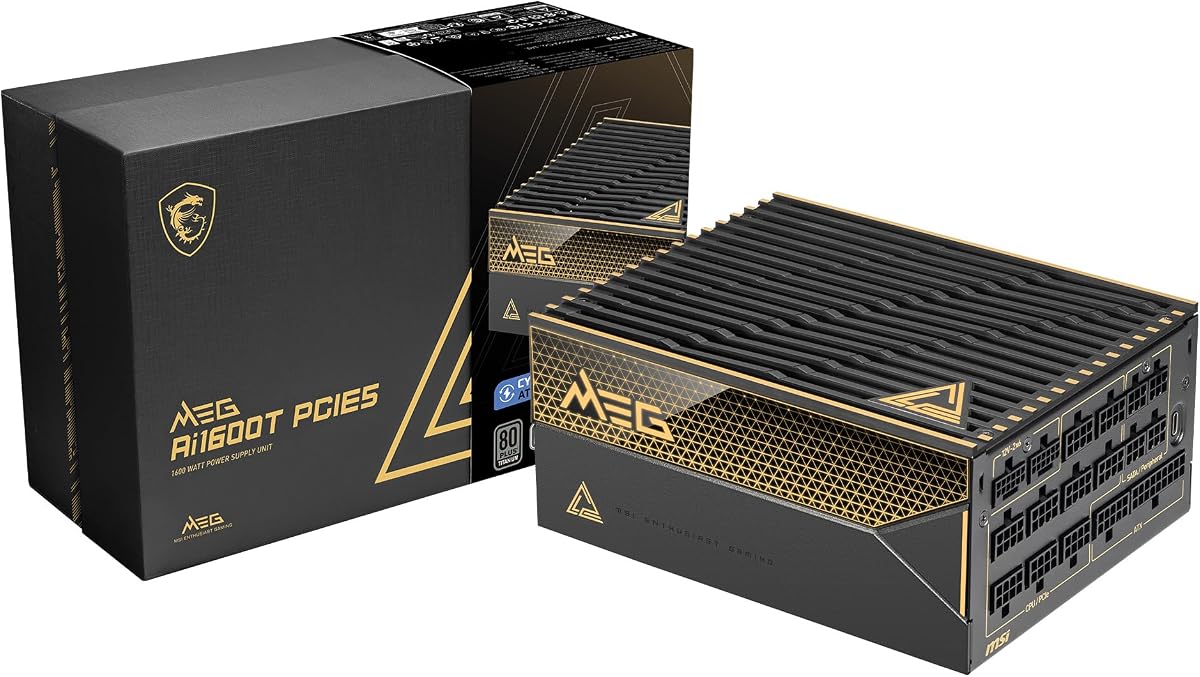
The MSI MEG Ai1600T features 1600W power for extreme builds. It is tri-certified for Titanium efficiency across standards.
We may earn a commission when you buy through this link, at no additional cost to you.
Server-grade capacitors ensure stable performance under load. It supports ATX 3.1 and PCIe 5.1 fully.
Full industrial protection covers OCP OTP and many other safety features. This ensures safe operation during high-stress tasks.
Select this for high-performance server or workstation PCs. The 12-year warranty adds significant reliability.
100% Japanese capacitors support stable operation. They last longer in high heat conditions.
Industrial protection covers OCP, OTP, OPP, and SCP. This ensures system safety during faults.
We may earn a commission when you buy through this link, at no additional cost to you.
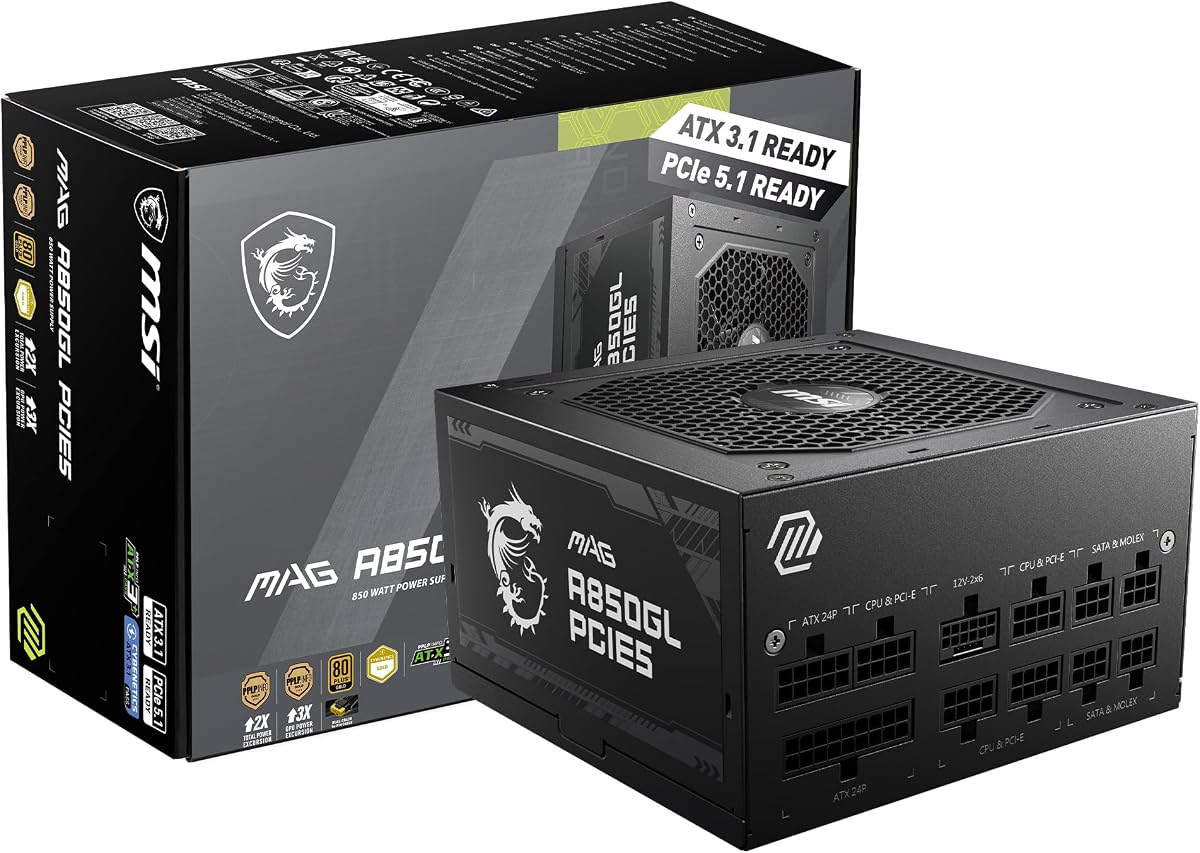
The MSI MAG A850GL offers a compact build with modern standards. It supports ATX 3.1 and PCIe 5.1 natively.
We may earn a commission when you buy through this link, at no additional cost to you.
Dual-color 12V-2×6 cables help with cable management. This simplifies connections for your graphics card.
With 850W, it fits mid-range systems well. The warranty offers long-term protection for your investment.
This unit is great for budget builds needing future standards. It provides excellent value for smaller cases.
It fits into smaller cases better than larger PSUs. This improves airflow in tight enclosures.
It includes native ATX 3.1 cables. This supports new hardware safely.
We may earn a commission when you buy through this link, at no additional cost to you.
The Corsair AX850 remains a reliable choice for efficiency. It delivers 80 Plus Titanium certification at a standard size.
We may earn a commission when you buy through this link, at no additional cost to you.
Zero RPM fan mode keeps noise low at medium loads. The 135mm fan uses a true FDB bearing.
World-class performance ensures stable voltages for components. Magnetic labels let you customize the look.
This PSU suits users wanting a proven model. It offers classic quality at a budget price.
The fan stops at low loads for silence. It ensures a near-silent environment.
It offers incredibly stable voltages and low ripple. This protects sensitive components effectively.
We may earn a commission when you buy through this link, at no additional cost to you.
The Seasonic Prime TX-1300 provides massive power for workstations. It offers 1300W output with Titanium efficiency.
We may earn a commission when you buy through this link, at no additional cost to you.
Micro tolerance load regulation ensures tight voltage control. The 135mm fan uses fluid dynamics for reliability.
PVC embossed cables aid with flexible routing. It supports major GPU brands easily.
Choose this for high-power setups needing stable output. It is a strong value for its size.
MTLR provides tight 0.5% voltage control. This ensures consistent power for sensitive gear.
1300W supports complex multi-GPU builds. It allows room for upgrades.
We may earn a commission when you buy through this link, at no additional cost to you.
The be quiet! Dark Power 14 1200W delivers top efficiency. It supports overclocking with single-rail modes.
We may earn a commission when you buy through this link, at no additional cost to you.
Dual cooling modes allow flexibility between silent and active. It uses high-quality Japanese capacitors for reliability.
A button switches between multi and single rail modes easily. Modular sheathed cables help with airflow.
This unit suits extreme overclockers needing quiet power. It offers advanced tech for stability.
Switch to single-rail mode for overclocking power. It gives full control over power rails.
Active rectifier technology ensures high efficiency. It results in lower hum noise.
We may earn a commission when you buy through this link, at no additional cost to you.
Selecting the right power supply requires balancing efficiency, wattage, and safety features.
80 Plus Titanium ensures at least 94% efficiency. This minimizes heat and reduces electricity costs significantly.
Look for advanced cooling systems to manage heat effectively.
Choose a wattage that matches your current GPU and CPU. Aim for headroom to prevent overload during spikes.
Higher wattage allows room for future upgrades safely.
Modern GPUs need ATX 3.1 and PCIe 5.1 support. These standards handle power excursions without damage.
Verify your PSU meets these specs for new hardware.
Check for native 12V-2×6 connectors. These reduce the need for adapters and improve safety.
Ensure enough PCIe and SATA connectors for your build.
Fully modular designs allow you to plug in only needed cables. This reduces clutter and improves airflow.
Better airflow helps keep system temperatures lower.
Look for bearings like Fluid Dynamic Bearing for silence. Some units offer Zero RPM modes for quiet light loads.
Noise levels matter for quiet workstation environments.
A long warranty like 10 years shows confidence. Check the reputation of the manufacturer for reliability.
Strong support ensures peace of mind over time.
Safety features like OVP and OCP protect components. GPU Safeguard offers real-time current alerts.
These features prevent hardware damage during power surges.
Install the PSU in a clean and dust-free area to maintain cooling. Ensure cables are routed to avoid blocking airflow paths inside the case.
Keep the unit in a well-ventilated space to prevent overheating. Avoid blocking the intake vents with dust filters or other items.
Perform regular cleaning to remove dust from the fan and vents. This ensures the unit continues to run efficiently over time.
80 Plus Titanium certification ensures high energy efficiency. It means the PSU converts at least 94% of power. This reduces waste heat and electricity costs significantly.
If you use newer GPUs like RTX 4090, yes. ATX 3.1 handles power excursions safely. Older units might need adapters which are less safe.
Check your GPU and CPU power requirements. Add extra headroom for safety. A 1000W unit suits most high-end builds.
Modular PSUs reduce cable clutter. This improves airflow and looks cleaner. It makes installation easier for custom builds.
The fan stays off during light loads. It reduces noise and dust buildup. It spins up only when the unit heats up.
Titanium offers higher efficiency. It runs cooler and uses less electricity. It is better for high-load and server systems.
Many high-end PSUs offer 10 year warranties. It shows the manufacturer trusts the build quality. Always check the warranty before buying.
Adapters are a temporary solution. Native connectors are safer and more reliable. Always prefer units with native 12V-2×6 support.
We reviewed ten top models for efficiency and performance. Each offers unique strengths for different build needs.
Prioritize wattage, ATX 3.1 support, and safety features. Efficiency matters for long-term savings and heat control.
Prices fluctuate so check current listings before buying. Your PSU is the heart of your PC.