
PS to HDMI Converter for PS1 / PS2
4.3Editor score
S-Video based conversion
Includes HDMI and power cables
Simple plug and play setup
This guide compares the top HDMI adapter for PS1 options to help you connect your classic console to modern displays with clarity and ease.
Connecting your classic PlayStation 1 to a modern television requires the right HDMI adapter for PS1 to ensure compatibility and visual quality. Without a proper converter, you cannot enjoy retro gaming on high definition screens. Choosing the correct adapter ensures signal stability and minimal lag during play.
We compared ten top rated adapters based on signal processing, build quality, ease of use, and user feedback. Our analysis focuses on devices that handle analog to digital conversion effectively. Each product listed here offers a unique approach to upscaling legacy video signals for contemporary setups.
Each pick shows key specifications and pros to help you find the best fit for your gaming station. Prices change frequently so always verify current listings before purchasing. This list covers budget and premium options to suit various needs and preferences for retro console enthusiasts.
4.3Editor score

4.6Editor score

4.2Editor score
This side by side comparison highlights the unique features and specifications of each adapter to help you make an informed decision for your console setup.

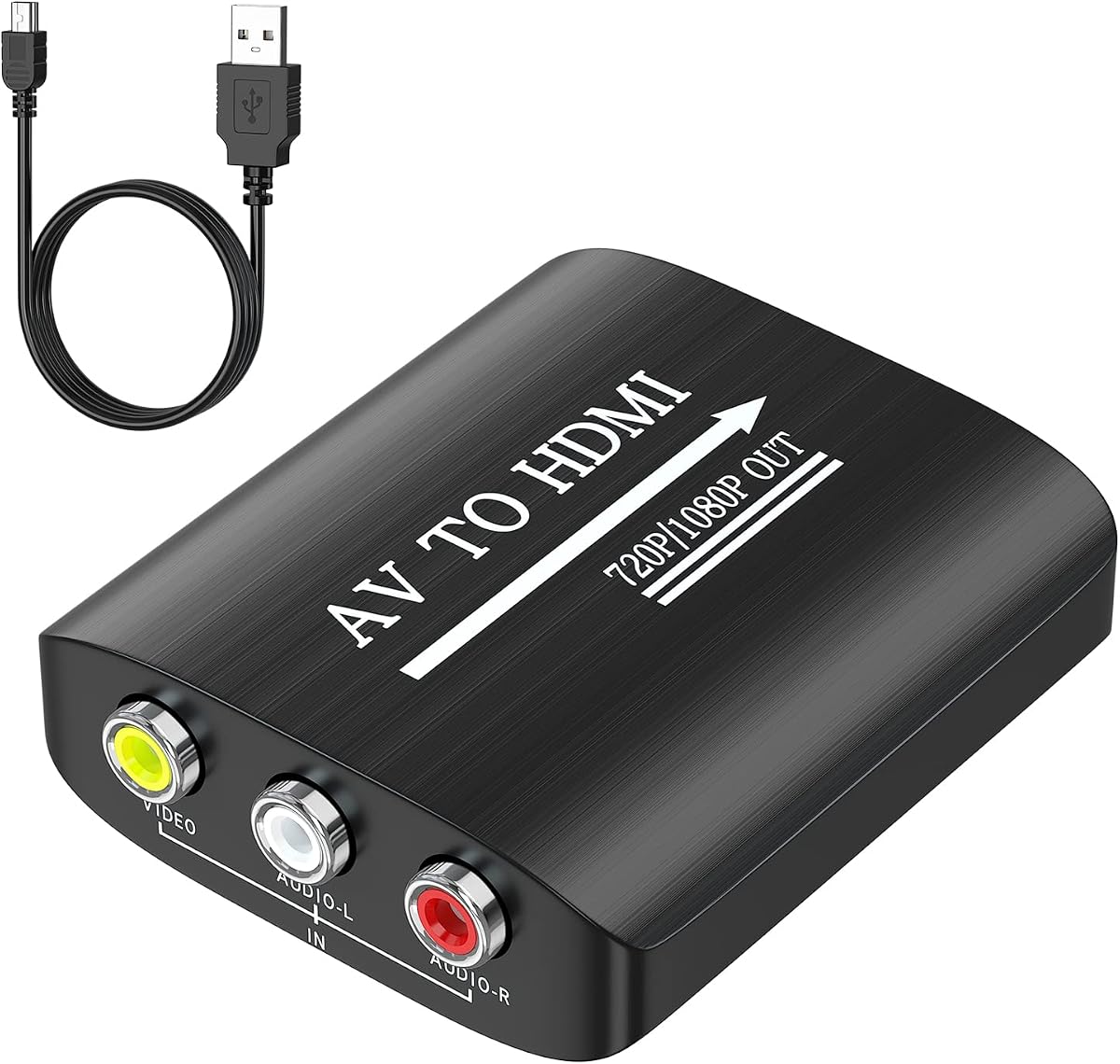


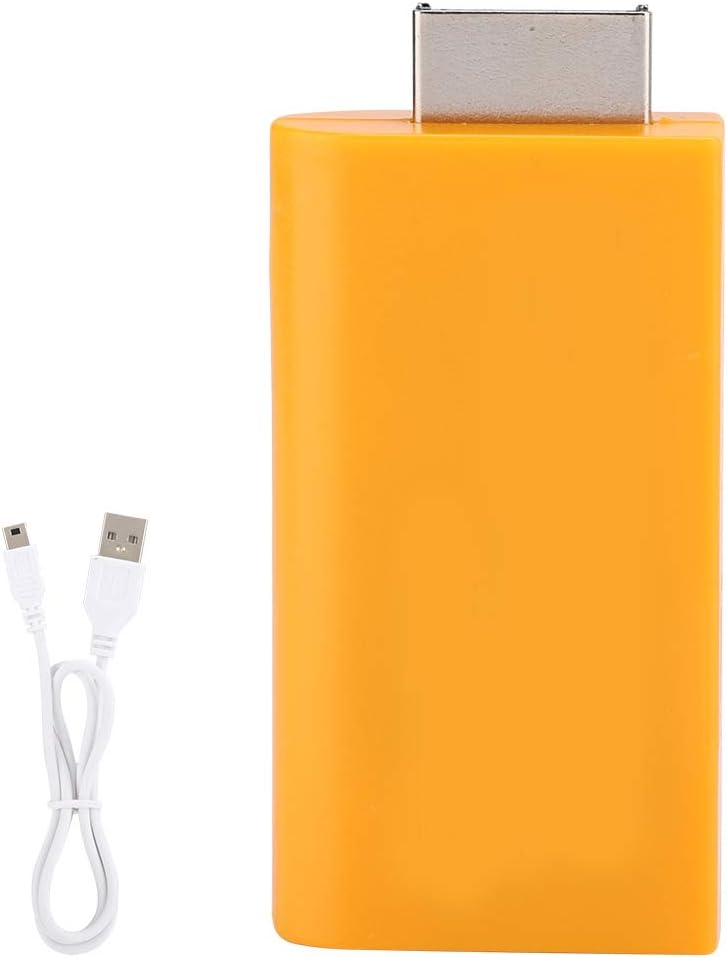

The HD Link HDMI Cable stands out as the top choice for connecting your PlayStation 1 to modern displays. With a strong rating from users it delivers exceptional upscaled signal processing that enhances colors and details significantly.
We may earn a commission when you buy through this link, at no additional cost to you.
This adapter features a convenient switch for 4:3 and 16:9 aspect ratios allowing you to match your display settings perfectly. The detachable design lets you use high-end HDMI cables for extended reach without compromising quality.
While it comes at a higher price point than budget converters the performance justifies the cost for serious retro gamers. The included cables ensure you can start playing immediately without extra purchases.
If you value image quality and reliability this adapter is the best investment for your PS1 setup. It bridges the gap between vintage consoles and contemporary TVs seamlessly.
The advanced signal processing ensures your classic games look sharper and more vibrant on HD screens.
The detachable HDMI port allows for customization with longer or higher quality cables as needed.
We may earn a commission when you buy through this link, at no additional cost to you.
The PS to HDMI Converter offers a great entry point for retro gaming enthusiasts on a budget. It uses S-Video signals to provide a cleaner path than standard composite conversions ensuring decent image quality.
We may earn a commission when you buy through this link, at no additional cost to you.
This kit includes everything you need to get started including HDMI and power cables which adds value to the purchase. The micro USB power requirement means you can use existing USB ports easily.
Although it lacks some premium features it performs reliably for casual gaming sessions. The setup is straightforward without needing drivers making it accessible for all users.
For those seeking an affordable way to play PS1 games on HDMI this adapter delivers solid value. It balances cost and functionality effectively for most home setups.
Having cables included saves you from buying extras immediately which simplifies the initial setup process.
Utilizing S-Video ensures better color separation compared to composite video inputs for clearer images.
We may earn a commission when you buy through this link, at no additional cost to you.
The Kaico adapter is a premium solution designed for users who demand the best performance from their retro consoles. It offers component cable quality display which is ideal for high fidelity viewing experiences.
We may earn a commission when you buy through this link, at no additional cost to you.
A built-in switch allows you to toggle between RGB and component modes ensuring you can configure settings correctly for any console. This flexibility is rare in budget adapters and adds significant value.
The twelve months support and repair warranty provide peace of mind that your investment is protected. Users appreciate the durability and the ease of setup without complex configurations.
If you want a robust adapter that maximizes the potential of your PS1 and PS2 systems this is the choice. It delivers consistent quality and reliability for long term use.
The component-quality display ensures rich colors and clear images that match modern TV capabilities.
Toggle between RGB and component settings effortlessly to optimize output for your specific console.
We may earn a commission when you buy through this link, at no additional cost to you.
This HDMI Cable adapter provides a straightforward solution for connecting PS1 consoles to modern TVs. It supports true RGB signal output which helps maintain color accuracy during gameplay sessions.
We may earn a commission when you buy through this link, at no additional cost to you.
The portable nature of the adapter makes it easy to carry between locations for gaming with friends. No driver installation is required so you can set it up quickly without technical hurdles.
While it does not improve video quality it effectively transfers signals from your console to a display. This makes it a reliable choice for casual users who want a basic connection.
For those looking for a simple and functional adapter without extra features this model fits well. It ensures your console connects to your TV efficiently with minimal fuss.
Maintains accurate color reproduction to keep games looking as they were intended on original hardware.
Compact and lightweight build makes it easy to transport for gaming gatherings anywhere.
We may earn a commission when you buy through this link, at no additional cost to you.
The GINGIN AV to HDMI Converter is a versatile adapter that works with a wide range of legacy devices beyond just PS1. It converts standard composite signals to HDMI enabling connections to modern screens easily.
We may earn a commission when you buy through this link, at no additional cost to you.
Supporting 720p and 1080p output ensures your games display correctly on high definition TVs. The included USB power cable makes setup simple as you only need a standard power source.
This adapter is great for households with multiple retro consoles since it supports systems like Wii and N64. However note that it does not improve video quality beyond the source signal.
For users needing a universal converter for various devices this option provides great flexibility. It is a reliable workhorse for maintaining an old gaming collection.
Works with diverse systems like Wii Xbox and N64 allowing a single adapter for multiple consoles.
Includes a USB power cable for easy connection to any standard USB power adapter or port.
We may earn a commission when you buy through this link, at no additional cost to you.
The Tengchi adapter offers a high-quality connection for your PS1 console with a strong user rating. It converts standard RCA inputs to HDMI ensuring compatibility with modern monitors and TVs.
We may earn a commission when you buy through this link, at no additional cost to you.
Its compact build saves space on your desk while providing reliable signal conversion. The one year warranty adds trust to the purchase ensuring you can contact support if issues arise.
Note that this adapter does not come with an HDMI cable so you will need to use one you have. Setup is straightforward and does not require any software installation for it to work.
If you want a compact and reliable converter for your retro gaming setup this model is a great choice. It balances size performance and support effectively.
Small form factor keeps your gaming area tidy without taking up excessive space on your desk.
One year warranty ensures that you have protection and assistance if any issues occur.
We may earn a commission when you buy through this link, at no additional cost to you.
The BITFUNX adapter supports PS1 PS One and PS2 Fat Slim consoles which makes it versatile for multi system collections. It upscapes analog RGB signals to digital HDMI output for sharp displays.
We may earn a commission when you buy through this link, at no additional cost to you.
Zero transmission loss ensures your video and audio remain high quality during gameplay. The built-in RGB to YPbPr switch lets you configure the settings correctly for each console type.
Users appreciate the full digital format support which helps maintain fidelity across different displays. The setup requires changing console video settings but the benefits are worth the effort.
For gamers with multiple older systems this adapter provides a unified solution for all your consoles. It ensures consistent performance across your entire retro setup.
Handles PS1 PS One and PS2 variations with ease to simplify your gaming station organization.
Ensures your audio and video signals remain intact without degradation during conversion.
We may earn a commission when you buy through this link, at no additional cost to you.
The CAMWAY adapter is designed for simplicity allowing you to connect and play without complex configurations. It supports 1080p 60Hz signals ensuring your games run smoothly on modern TVs.
We may earn a commission when you buy through this link, at no additional cost to you.
A built-in aspect ratio button lets you switch between 4:3 and 16:9 modes easily for authentic gaming. The lightweight design makes it easy to carry or store when not in use.
This adapter is ideal for family game nights where simplicity is key. It supports various video formats ensuring compatibility regardless of your console region or model.
For those who value ease of use this adapter offers a great experience for retro gaming. It removes the hassle of setup and focuses on play.
Toggle between classic widescreen and original 4:3 ratios instantly to suit your preference.
The compact build makes it easy to store in a bag or drawer for portable gaming.
We may earn a commission when you buy through this link, at no additional cost to you.
This adapter features an anti interference shield to maintain signal clarity during gaming sessions. The tin plated connectors help resist oxidation ensuring a reliable connection over time.
We may earn a commission when you buy through this link, at no additional cost to you.
Its palm sized form makes it easy to store in a bag or on a desk. The built-in tinned copper wires reduce interference for long term use and consistent performance.
This adapter is practical for gaming setups at home or on the go. It allows you to enjoy your console on HDMI televisions and monitors without complex configurations.
For users prioritizing durability and signal integrity this model offers a solid solution for connecting retro consoles. It ensures your games remain visible and clear.
Anti interference shielding ensures clean audio and video output without static or noise.
Tinned copper wires and connectors provide lasting connection stability against corrosion.
We may earn a commission when you buy through this link, at no additional cost to you.
The Y.D.F adapter offers a reliable way to connect PS1 and PS2 consoles to modern displays with great flexibility. It supports 4:3 and 16:9 screen aspect ratio switches for better viewing.
We may earn a commission when you buy through this link, at no additional cost to you.
This adapter supports RGB signal mode display which helps maintain accurate colors for your games. It is portable and flexible allowing you to use it with various HDMI setups easily.
Note that it also supports PS3 consoles making it a versatile choice for users with multiple systems. The plug and play nature means no drivers are needed for it to work properly.
For users needing a flexible and well rated adapter this model fits the bill perfectly. It ensures your classic consoles connect smoothly to today's screens.
Works with PS1 PS2 and PS3 consoles providing one adapter for multiple gaming systems.
Switch between screen ratios easily to optimize your display for different games.
We may earn a commission when you buy through this link, at no additional cost to you.
Choosing the right HDMI adapter for PS1 requires understanding key factors that affect signal quality and setup ease.
Look for adapters that offer upscaled signal processing to enhance colors and resolution on modern TVs. Some adapters use S-Video or RGB inputs which provide cleaner paths than composite video.
Prioritize converters that support true RGB signals to maintain accuracy during gameplay.
Ensure the adapter is explicitly compatible with PS1 and PS2 consoles. Some adapters also work with PS3 or other retro systems offering more flexibility for your collection.
Check if your console region matches the adapter's supported formats like PAL or NTSC.
A built-in switch for 4:3 and 16:9 ratios allows you to match your display settings easily. This feature ensures your games look authentic without stretching or distortion on widescreen TVs.
Adapters with toggle buttons simplify setup and viewing options significantly.
Most adapters require external USB power to function correctly. Ensure you have access to a USB port or adapter to power the device during use.
Select models that come with necessary power cables for convenience.
Some kits include HDMI and power cables which saves money and time. Others may require you to purchase HDMI cables separately which should be factored into your budget.
Adapters with included cables provide a ready to use experience out of the box.
Choose adapters that do not require driver installation. Plug and play devices ensure you can set up your gaming station without complex software steps.
Simplified setup processes are essential for hassle free retro gaming.
Look for adapters with tin plated connectors and shielded cables to resist interference and oxidation. Durable construction ensures longevity and consistent signal transmission over time.
Check for warranties that provide support if issues arise after purchase.
Budget options are affordable but may lack advanced features like aspect ratio switching. Premium models offer better signal processing and build quality for a higher cost.
Balance your budget with the features you need for the best value.
Connect the adapter to your console using the appropriate AV cables and ensure all connections are secure. Plug the HDMI end into your TV and connect the USB power cable to a powered source.
Power on your console and select the correct HDMI input on your TV to see the display. If you notice black screen try checking your aspect ratio switch or console video settings.
Keep your adapter in a dry and cool place to prevent heat damage. Avoid bending the cables sharply to ensure they last as long as possible during regular use.
An HDMI adapter converts analog signals to digital but does not significantly improve graphics. It ensures your console displays properly on modern TVs without altering resolution.
Yes most adapters require a USB power source to convert signals correctly. Ensure you have a USB adapter or port available when setting up your console.
Yes PS1 games are backward compatible with PS2 consoles. This allows you to play your PS1 games on your PS2 if you have a compatible adapter.
RGB adapters use analog signals while component supports YPbPr. RGB adapters are often required for PS1 to maintain accurate colors and image fidelity.
Yes adapters support HDMI TVs as long as they output 1080p or 720p signals. The adapter converts the signal to HDMI which modern TVs accept easily.
No most HDMI adapters for PS1 are plug and play devices. They work instantly once connected without requiring any software installation on your console.
Yes adapters with detachable HDMI ports work with any standard HDMI cable. If the adapter includes a cable it is recommended for stability.
The 4:3 ratio is ideal for authentic retro gaming. Adapters with a switch allow you to select 4:3 for original proportions or 16:9 for widescreen TVs.
We reviewed ten top adapters with our picks offering a range of features from budget to premium. The HD Link HDMI Cable stands out for its excellent signal quality and aspect ratio toggle.
Prioritize adapters with plug and play setup and robust signal conversion to ensure your console performs well. Look for durability features like tin connectors and warranties to secure long term use.
Remember to check current prices and product listings before purchasing as details may change. The right adapter ensures your classic PS1 games remain enjoyable on modern displays.