
Vansuny 128GB USB C Flash Drive
4.3Editor score
128GB Capacity
Dual USB 3.0 and Type C
OTG Support for Smartphones
Discover the top extra storage for tablet solutions to expand memory. We compare microSD cards, USB drives, and SSDs for speed and capacity.
Tablets are powerful tools for work and entertainment but often lack internal storage. Adding extra storage ensures you keep photos, apps, and files without deleting content. Choosing the right expansion option depends on your device type and usage needs.
We evaluated ten leading storage products based on speed, compatibility, reliability, and value. Our analysis includes microSD cards for direct insertion, USB-C drives for quick transfers, and portable SSDs for massive capacity. Each option was checked against current tablet standards.
Every pick below highlights key specs, pros, and cons to help you decide. Note that prices and availability change frequently, so verify current offers before buying. This guide covers options for Android Fire tablets and general USB-C enabled devices.
4.3Editor score
4.7Editor score
4.5Editor score
The following table compares all ten selected products side by side. Review capacities, speeds, and interface types to find the right fit for your tablet setup.


This SanDisk microSD card is designed specifically for Fire tablets and Fire TV. With a 4.6 rating it delivers reliable performance for storing media and apps. It is the only card tested and certified for Amazon devices.
We may earn a commission when you buy through this link, at no additional cost to you.
The Class 10 performance supports Full HD video playback without stuttering. You can download apps directly to the card which frees up internal memory. It handles multiple simultaneous activities smoothly with no noticeable delay.
It is limited to Amazon devices so general Android tablets need a different card. Also you will need an adapter to read it on standard computers. However for Fire owners this remains the safest choice.
Buy this if you own a Fire tablet and want guaranteed compatibility. It balances speed and capacity well for general media storage needs. Ensure your device supports microSD expansion before purchasing.
Being certified for Fire ensures it works seamlessly with Amazon tablets without driver issues or errors.
You can store large videos and install apps directly on the card to expand your tablet usable memory.
We may earn a commission when you buy through this link, at no additional cost to you.
This SanDisk drive connects via USB-C and USB-A which makes it versatile for tablets and laptops. It holds 256GB of data and transfers at up to 150MB/s. A retractable design protects the connectors from damage.
We may earn a commission when you buy through this link, at no additional cost to you.
It lets you move files between Android tablets and computers easily. You can back up photos to free up device space quickly. The USB-C port is reversible for convenient plugging on modern devices.
Your tablet must support OTG for the USB-C connection to work. It is bulkier than an internal card so pocket storage might be tighter. Still it offers great flexibility for cross device transfers.
Choose this if you need a portable drive for both tablet and computer use. It bridges the gap between mobile and desktop storage efficiently. Verify your tablet OTG capability before buying.
Dual USB-C and USB-A connectors allow seamless file transfer between tablets and traditional computers.
Read speeds up to 150MB/s let you move large files quickly without waiting long periods.
We may earn a commission when you buy through this link, at no additional cost to you.
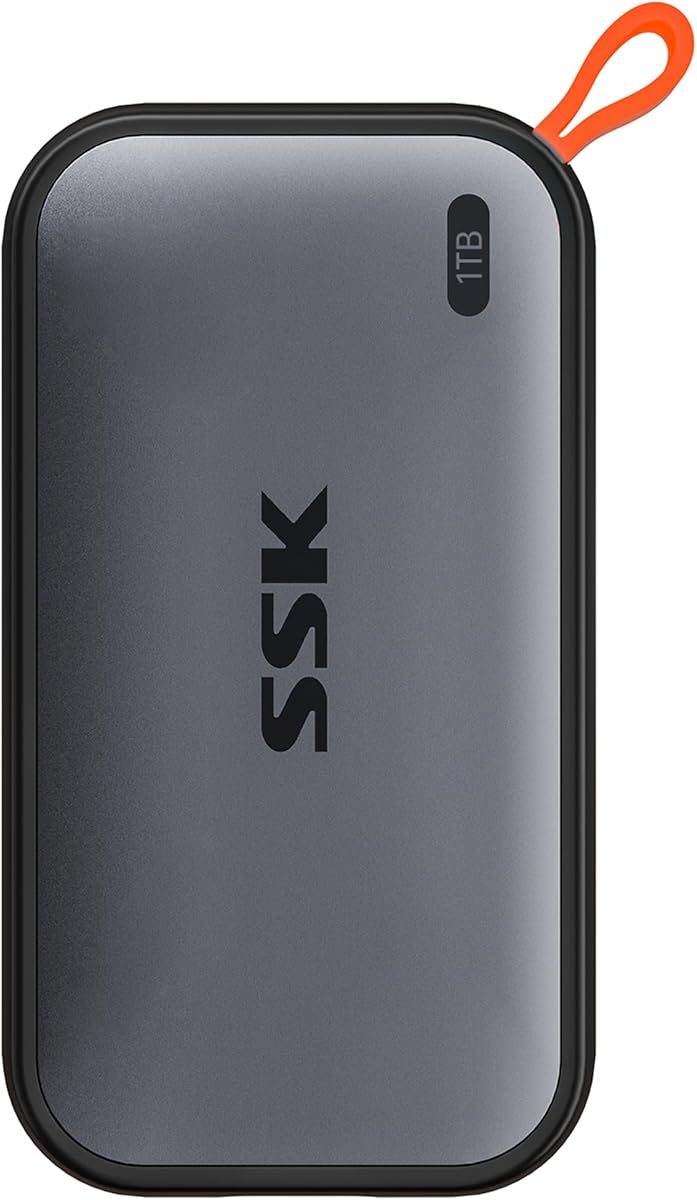
This SSK SSD offers 1TB of storage with speeds up to 1050MB/s. It supports both USB-C and USB-A so it works across tablets and laptops. The aluminum case keeps it cool during heavy transfers.
We may earn a commission when you buy through this link, at no additional cost to you.
It is ideal for professionals needing to store large 4K video files. The S.M.A.R.T diagnostics ensure data health and longevity. It handles large file transfers without slowdowns thanks to SLC caching.
The price is higher than flash drives but justified by the capacity and speed. You must have a USB-C port on your tablet for optimal use. Also Windows may show slightly less than 1TB due to binary calculations.
Buy this if you need maximum storage for media editing or archiving. It delivers desktop-level performance in a portable form factor. Ensure your device has enough power via USB-C.
With 1TB storage and 1050MB/s speeds it handles professional workflows and large media files effortlessly.
The aluminum alloy case ensures heat dissipation so performance stays consistent during extended use.
We may earn a commission when you buy through this link, at no additional cost to you.
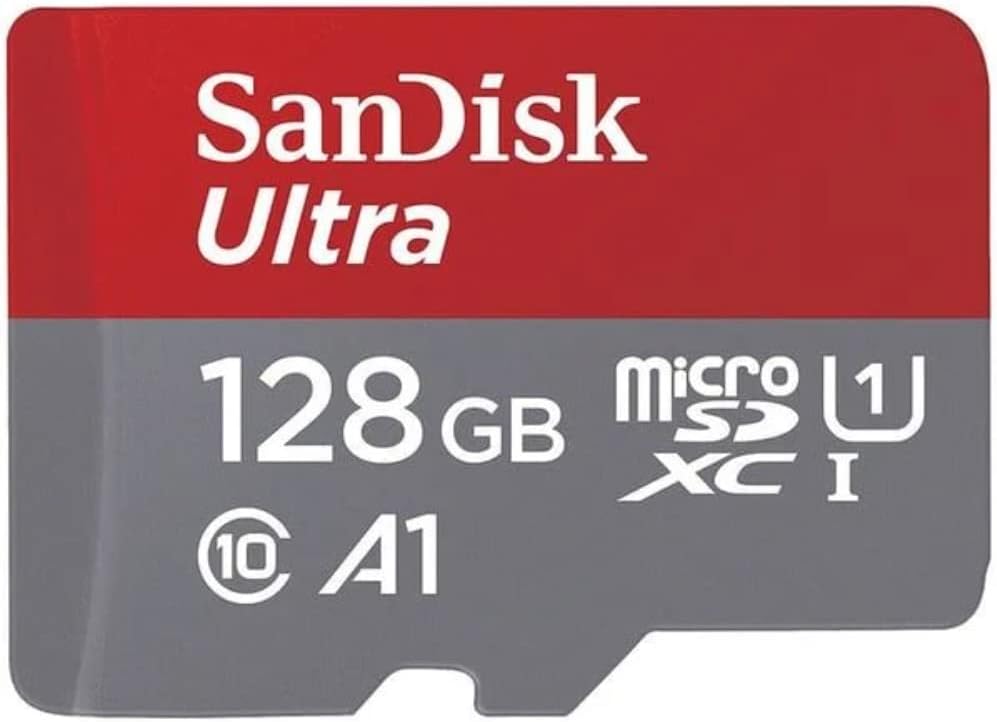
This SanDisk card is ideal for Android tablets Chromebooks and Windows laptops. It holds 128GB and reaches up to 140MB/s speeds. The A1 rating means apps run faster when installed on the card.
We may earn a commission when you buy through this link, at no additional cost to you.
It comes with a 10-year limited warranty which adds peace of mind. You can view and backup files easily with the SanDisk Memory Zone app. It is widely available and supports many devices.
You need an external reader to use it on computers without SD slots. For tablets with card slots it provides reliable expansion. The speed is sufficient for 4K video playback and app usage.
Select this for a balance of price and performance for general tablets. It is a proven option for storing photos apps and documents. Check if your tablet slot supports UHS-I speeds.
A1 rating ensures apps loaded on the card run smoothly without lag or slow response times.
A 10-year warranty provides assurance of durability and protection against long term defects.
We may earn a commission when you buy through this link, at no additional cost to you.
This JOIOT drive features Type-C and USB-A plugs for cross device use. It fits iPhone 15 models and Android tablets seamlessly. The read speed reaches 130MB/s which is fast for general file moves.
We may earn a commission when you buy through this link, at no additional cost to you.
It supports Windows Android Linux and Mac OS without extra drivers. The cap protects connectors from dust and damage ensuring longevity. Its small size fits easily into pockets for travel.
Write speeds are lower than reads which may affect large backups. It is not for older Lightning iPhone models so check compatibility first. Still it is a convenient choice for quick transfers.
Choose this for everyday storage needs on USB-C devices. It offers broad compatibility at a budget friendly price. Ensure you need the specific capacity before purchase.
Dual plugs let you connect to Android tablets and computers without needing extra adapters.
The enclosure design and cap ensure the connectors stay safe from dust and physical damage.
We may earn a commission when you buy through this link, at no additional cost to you.
This drive offers seamless movement between USB-C smartphones and USB-A computers. It reaches speeds up to 150MB/s for quick file access. The Memory Zone app can automatically back up photos to save space.
We may earn a commission when you buy through this link, at no additional cost to you.
The reversible USB-C connector prevents frustrating plugging attempts. It supports tablets and Macs with on-the-go functionality. The 128GB capacity is ideal for photos and documents.
Mobile devices must support OTG for the USB-C connection to work. The backup app requires installation which adds a step. Otherwise it is a reliable choice for portable backups.
Buy this if you want automatic photo backups on the go. It balances speed and convenience for daily tablet users. Confirm OTG support on your device first.
The Memory Zone app helps automate photo backups to keep your tablet memory clear.
USB-C design allows you to plug in the correct way every time without looking.
We may earn a commission when you buy through this link, at no additional cost to you.
This Samsung drive is built to last with waterproof and shock-proof design. It holds 256GB of data and reaches 400MB/s read speeds. The sleek design fits easily in the palm of your hand.
We may earn a commission when you buy through this link, at no additional cost to you.
It is compatible across laptops tablets and cameras with USB-C ports. The reversible plug ensures easy connection every time. A 5-year limited warranty backs its reliability.
It requires a USB-C port so older devices may need adapters. The price is higher than standard flash drives but justified by durability. It is ideal for rugged environments.
Choose this if you need a durable drive for outdoor use. It offers great speed and capacity for professional files. Check your device port type before buying.
Waterproof and shock-proof features protect your data against harsh environmental conditions.
400MB/s read speeds allow quick transfers of large media files between devices.
We may earn a commission when you buy through this link, at no additional cost to you.
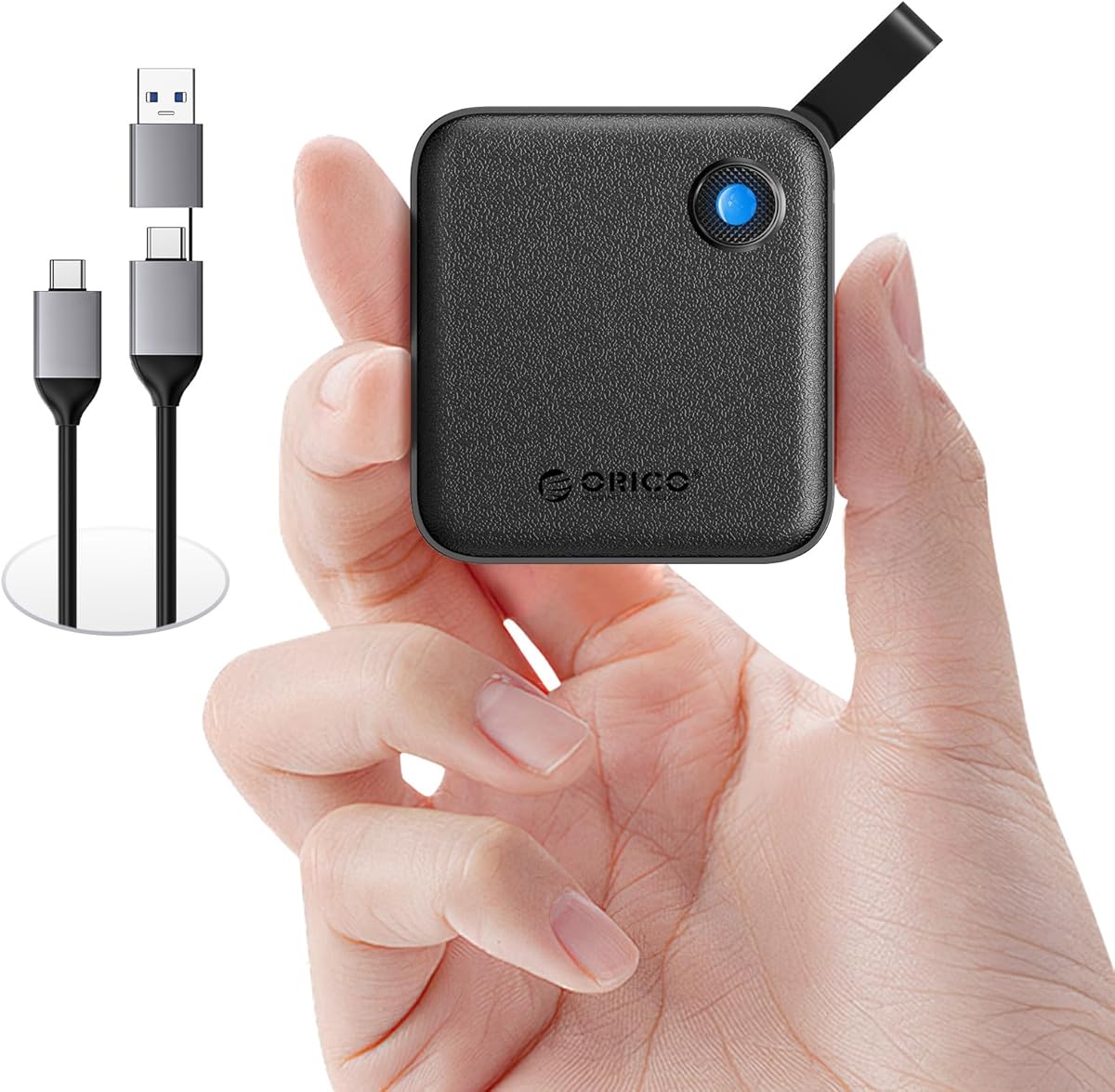
This ORICO SSD offers SSD speeds in a small package. It holds 256GB and reaches 460MB/s for quick transfers. The included USB-C and USB-A cables cover most devices.
We may earn a commission when you buy through this link, at no additional cost to you.
It is lightweight and easy to carry for photographers or students. The vibrant colors allow you to pick a style that matches your taste. It unlocks endless storage without bulky drives.
There is no built-in storage for cables so you must manage them separately. The plastic case is light but may scratch easier than metal. Still it offers great SSD performance at a lower price.
Buy this for affordable SSD performance on tablets and laptops. It is a solid choice for general media storage needs. Ensure your tablet supports USB-C.
Includes both USB-C and USB-A cables to match different connection types without extras.
Lightweight design makes it easy to keep in your bag for on-the-go access.
We may earn a commission when you buy through this link, at no additional cost to you.
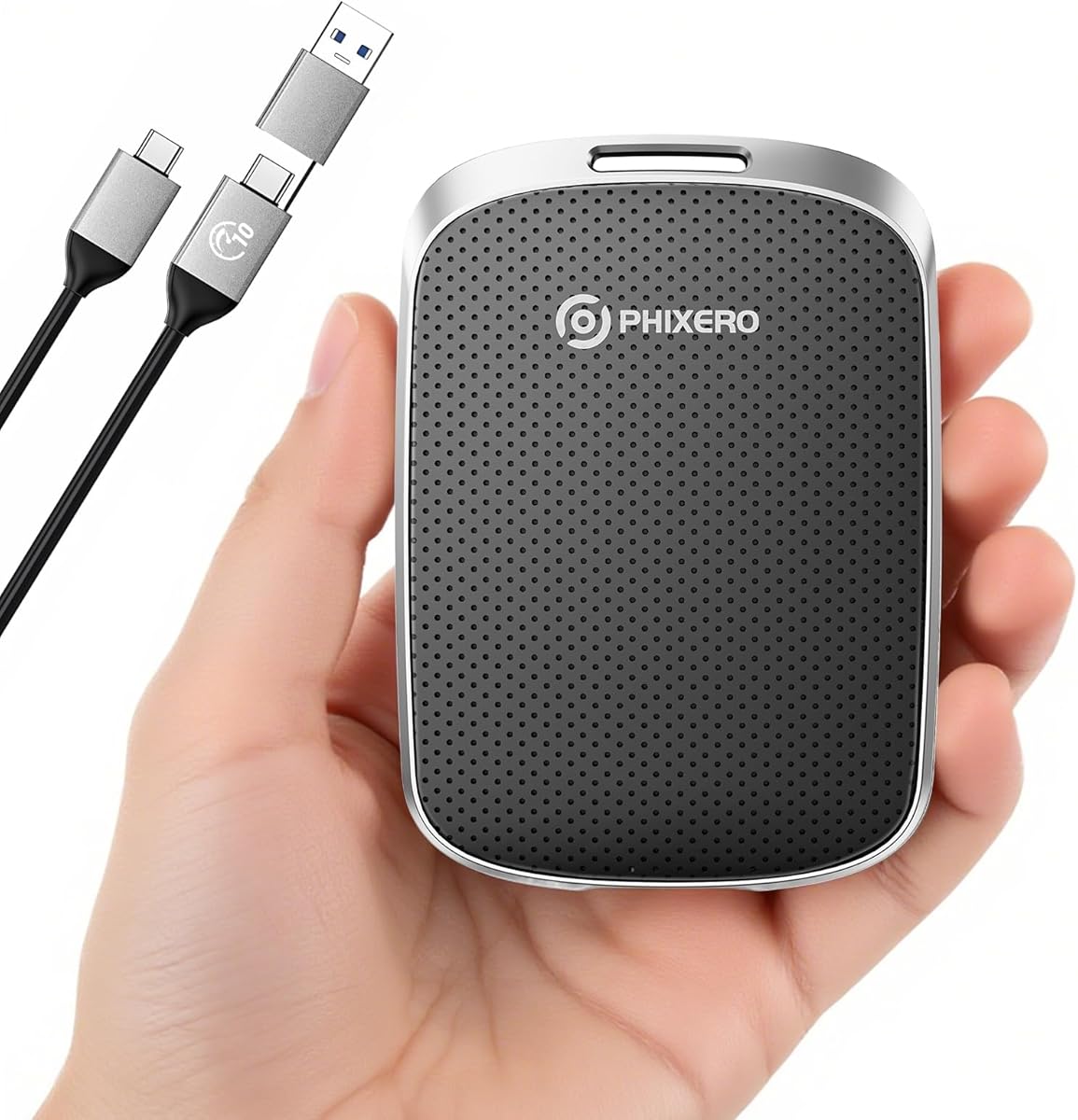
This PHIXERO SSD offers continuous read speeds of 550MB/s. It supports 4K video recording directly from cameras or phones. The aluminum frame provides anti-drop and anti-vibration protection.
We may earn a commission when you buy through this link, at no additional cost to you.
It works with Windows Mac Linux and Android devices seamlessly. The silent operation ensures quiet use during transfers. A 3-year warranty adds peace of mind for users.
It requires USB 3.2 ports to achieve maximum speeds. The cable is standard but might be long for some setups. Still it is reliable for high-resolution video workflows.
Choose this for high-speed external storage on tablets and cameras. It handles large files efficiently without delays. Check your device port speed before purchasing.
Supports 4K video recording directly to the drive for camera workflows without buffering.
The one-piece aluminum alloy frame protects the drive from drops and vibrations.
We may earn a commission when you buy through this link, at no additional cost to you.
This Vansuny drive offers dual USB 3.0 and Type-C connectors. It holds 128GB and supports OTG for most mobile phones. The keychain helps keep it secure on your bag.
We may earn a commission when you buy through this link, at no additional cost to you.
It is plug and play with no software installation needed. It supports Windows Mac Linux and Android systems well. File transfer speeds are decent for regular use cases.
Write speeds are slower than reads which may take longer for backups. The default format is exFAT which may need reformatting for some devices. Still it is a budget friendly option.
Select this for basic storage needs on USB-C devices. It provides a simple way to move files without extra cost. Ensure your tablet supports OTG connections.
The included keychain helps you keep the drive attached to your keys or bag.
Supports multiple operating systems including Windows and Android for broad utility.
We may earn a commission when you buy through this link, at no additional cost to you.
Choosing the right storage expansion depends on your tablet model usage and budget. Below are key factors to consider before making a purchase.
Ensure the storage device matches your tablet ports. Some tablets only support microSD slots while others rely on USB-C or USB-A. Check if your device supports OTG before buying USB drives.
Match the storage connection to your tablet ports for reliable functionality and avoid purchasing incompatible hardware.
Consider how much data you store. Photos videos and apps quickly fill up internal memory. Larger capacities like 256GB or 1TB are better for media creators while 128GB suits casual users.
Pick a capacity that fits your file needs so you do not run out of space soon after purchase.
Look for Class 10 or UHS-I ratings on cards and USB 3.0 or 3.2 on drives. Faster speeds mean quicker file transfers and better performance for apps and 4K video.
Higher speed ratings ensure smooth playback and quicker access to large files on your tablet.
Verify that the product works with your tablet operating system. Some cards are Fire certified while others are universal. Check the manufacturer list for supported devices to avoid errors.
Confirm the storage device is certified for your tablet OS to ensure stable performance.
Drives with aluminum cases dissipate heat better than plastic. Look for waterproof or shock-proof features if you travel often. A durable build protects data against drops and spills.
Invest in robust builds if you use your tablet in active environments.
Reputable brands offer warranties ranging from one to ten years. A longer warranty signals confidence in durability. Always check the terms before buying to know what is covered.
Choose products with solid warranties to protect your purchase against defects.
Compact drives fit easily into pockets while external SSDs are larger. Consider how you carry your tablet and whether size matters. Lightweight options are better for travel.
Select a size that balances capacity with ease of carrying in your bag.
Compare price per gigabyte across products. USB drives are often cheaper than SSDs. Decide how much you need to spend without overspending for unused capacity.
Find a balance between cost and capacity that matches your budget needs.
Insert microSD cards into the slot on your tablet side or back. Ensure the metal contacts face the correct direction. Once inserted your tablet should recognize the card automatically within seconds.
For USB drives plug them into your tablet ports carefully. If using OTG you may need to enable it in settings. Open your file manager app to view and move files to the drive.
Always eject the storage safely before removing it to prevent data loss. Keep cards and drives in a dry case away from magnets. Clean connectors gently with a dry cloth if they get dusty.
Some tablets allow moving apps to external cards especially microSD. Check your tablet settings to see if apps can be installed. Newer devices may limit this feature due to security.
Most modern Android tablets support OTG but older models may not. Verify your device specifications before buying a USB drive. You might need an adapter to connect certain USB types.
High-speed microSD cards can match USB drives for general use. But USB 3.2 SSDs often outperform in large file transfers. Choose based on your tablet slot type needs.
No it should not slow down your tablet if it is a fast card. Slow cards may delay loading large files. Always select Class 10 or higher speed ratings for performance.
Use exFAT or FAT32 formats for best compatibility. Most tablets support exFAT for large files. Use your tablet settings or a computer to format the drive safely.
Fire tablets often need special adapters for USB drives. They do not support OTG like standard Android. Consider microSD cards as the primary storage option for Fire.
Yes it is safe if you use reliable branded products. Regular backups prevent accidental loss from failures. Avoid keeping only one copy of critical data on the drive.
128GB or 256GB is usually enough for most users. 1TB is for heavy video or photo editors. Pick capacity based on how many photos or apps you keep.
The best choice depends on your tablet model and storage needs. Fire users should pick microSD cards while others benefit from USB drives. We highlighted top picks for speed capacity and budget.
Prioritize compatibility and speed to ensure smooth use. A good drive expands your tablet potential without slowing it down. Check your ports and settings before making a final selection.
Prices and models change frequently so review current offers before buying. This guide helps you make an informed decision. Happy expanding your tablet storage today.